Hyprland
equisdots · Lua · light/dark
Arch-based, snapshot-first Linux with a script-driven installer and its own package tooling — docs and downloads in one place.
Downloads
x86_64 SHA-256 b02af9a09d932928… SHA256SUMS · .sig
aarch64 SHA-256 88d31ba2b9fd2c2e… SHA256SUMS · .sig
Real screens from an X install — desktop, tools, boot and installer.
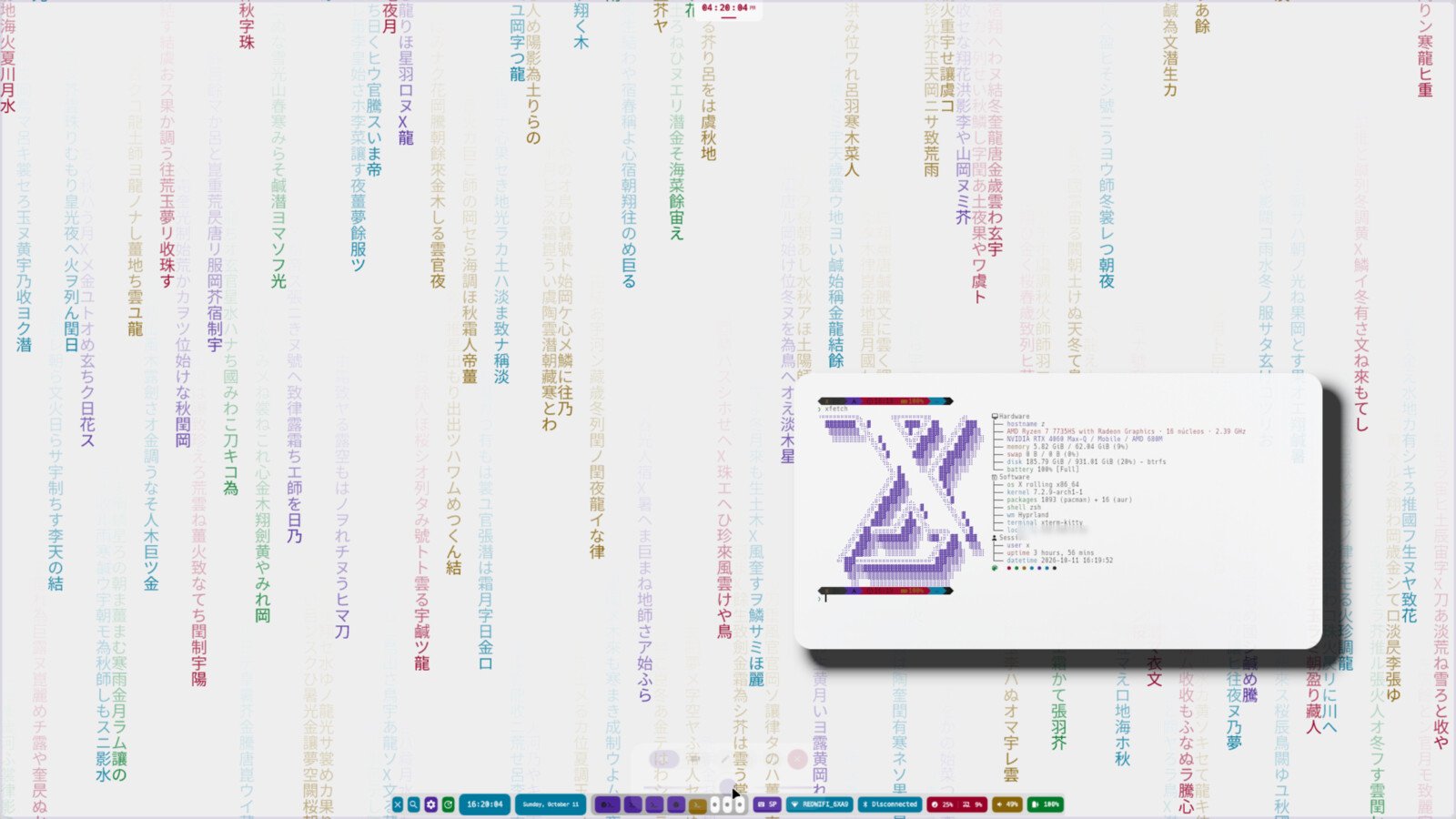
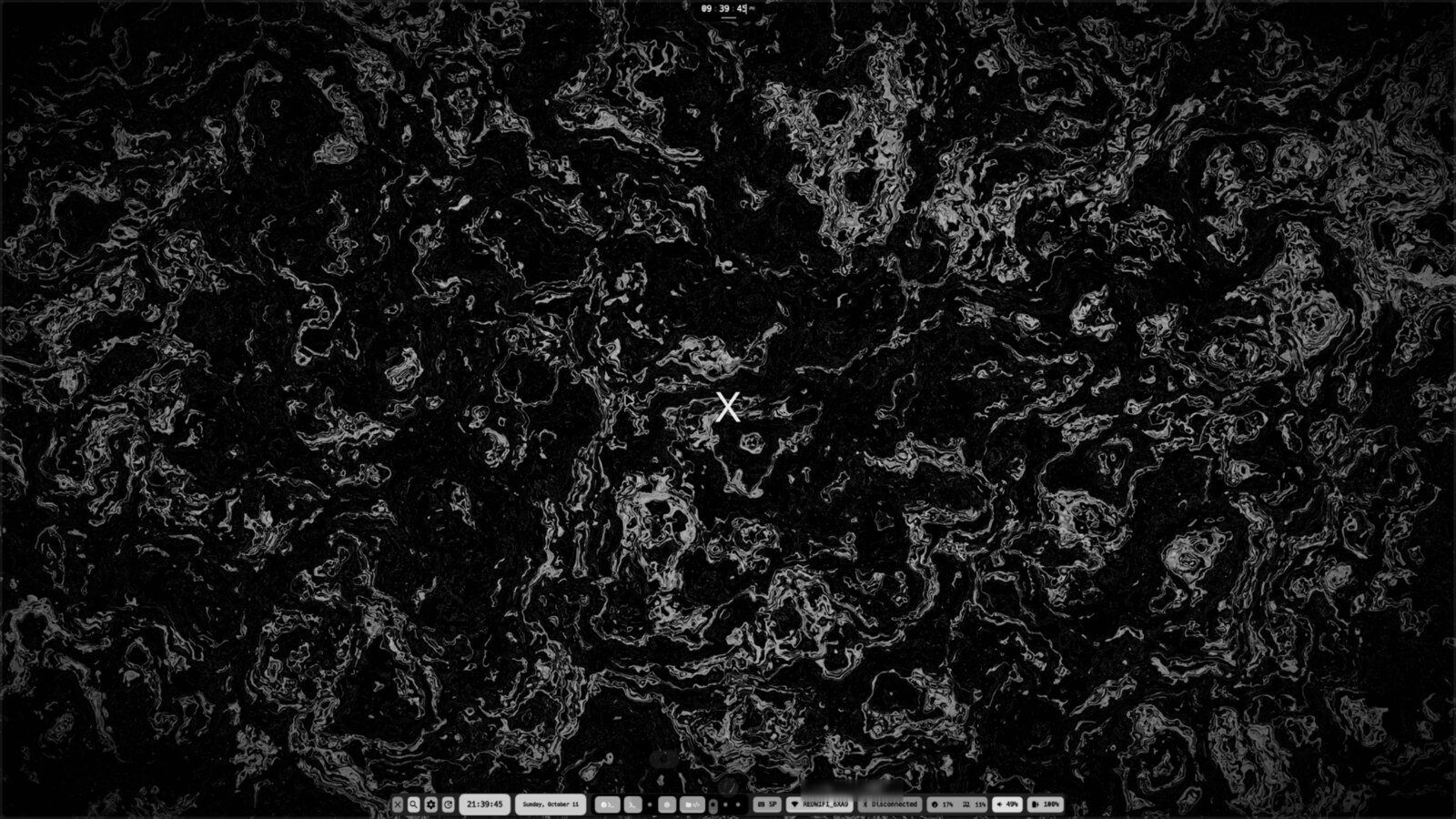
01 / 11Hyprland desktop (equisdots) — light and dark themes.
Tree diagram of the six X Linux layers: Arch base at the roots, the X system as the trunk, and generations, desktop choices, shell and apps, and signed delivery along the branches.
Foundation
A familiar base, extended with intent.
Kernel, systemd and pacman stay where you expect them. X adds the text installer, btrfs generations, signed packages and a desktop layer you can replace.
See the project layoutX / SYSTEM MAP
Packages, repository and delivery around one core.
xpm, xpm-aur, xpkg and the signed [x] repository are one graph: build native or Arch-compatible packages, pull from the AUR and install everything through the same transaction model.
Read the docsAnatomy
One system, four ways to land.
Hyprland and niri ship the equisdots stack; KDE Plasma gets X Dark branding. They all sit on the same Arch base, generations, signed packages and X tooling.
Choose the desktop in the text installer. The rest of the system stays the same.
See the desktop guideequisdots · Lua · light/dark
equisdots · scrollable tiling
X Dark · Plasma 6
no desktop · minimal
Generations
Every transaction leaves a bootable snapshot.
x gen records packages, services, the kernel and /etc as a generation. Boot it, diff it, pin it or restore a single path.
Read the generationsKernel
linux-x and linux-x-mainline, built from the official recipes.
X Kernel does not fork Linux. It reuses Arch’s packaging recipe for stable/testing and the AUR mainline recipe, changes only the package base and description, builds in a clean chroot and publishes signed packages to dedicated repositories.
X kernels are additional, not replacements: Arch linux / linux-lts remain the default entries and the fallback.
Arch core/linux recipe. Published and bundled in the 2026.11.15 ISO.
Arch core-testing/linux recipe. Never published by the scripts.
AUR linux-mainline recipe. Experimental moving line.
What you get on top of a stock Arch base.
Every package transaction is captured as a btrfs snapshot with its own boot entry. Roll back, diff, verify, pin or export signed and encrypted bundles.
BIOS or UEFI, GRUB or systemd-boot, LUKS, dualboot, core or full profiles, and Hyprland, niri or KDE Plasma as the desktop — all in the terminal.
Choose linux, linux-lts or linux-zen at install time or later with x kernel install and remove, protected by guard rails.
xpm (manager), xpm-aur (AUR helper) and xpkg (builder) drive the signed [x] repository through native .xp and ALPM packages — built in Rust.
An importable rootfs plus a friendly first-run setup for terminal-only use on Windows.
The ISO, checksums and [x] packages are signed; the installed system trusts the embedded keyring.
06
system layers
04
desktop choices
02
boot modes
03
package paths
From ISO to the first bootable generation — the installer runs in the terminal.
Get the latest signed ISO from SourceForge — the stable link always points to the current release.
Download ISOReplace /dev/sdX with your device:
sudo dd if=x-<version>-x86_64.iso of=/dev/sdX bs=8M conv=fsync status=progressPick disk layout, kernel, desktop and profile; the first generation is created for you.
Read the install guideReboot into the first btrfs snapshot. Roll back, diff or pin it whenever you need.
/@ · btrfs · 0001
Every component of the X Linux project lives in the equislinux organization.
equislinux/x
Arch-based distro: archiso profile, text installer and ISO build.
equislinux/x-arm
aarch64 overlay build: live ISO, [x]/aarch64 repository and VM images.
equislinux/wsl
X Linux for WSL: importable rootfs and WSL configuration.
equislinux/wsl-scripts
Friendly WSL user setup and provisioning.
equislinux/scripts
Provisioning payload and CLI (x): phases, dotfiles, themes, migrations.
equislinux/xpm
Rust package manager for x repositories (ALPM format).
equislinux/xpkg
Rust package builder: XBUILD recipes to ALPM-compatible archives.
equislinux/xpm-aur
Rust AUR helper: resolves, builds with makepkg and installs through xpm.
equislinux/scripts-arm
aarch64 delta for the generations engine; builds x-scripts-arm.
equislinux/x-arm-repo
aarch64 [x] repository: ALPM database and signed artifacts.
equislinux/x-kernel
X-branded downstream kernels (linux-x, linux-x-mainline) with signed SourceForge repositories.
equislinux/x-repo
Binary package repository ([x]) and package portal.
equislinux/utils
Operator utilities: workspace discovery, clone, sudo rules and signing keys.
equislinux/wiki
Documentation sources for every repository (English/Spanish).
equislinux/web
This documentation portal: landing and browsable docs.
X combines Arch-compatible packages for pacman, its own native format for xpm, and an AUR helper that routes every transaction through xpm.
Arch-compatible .pkg.tar.zst packages served from x-repo. Add the [x] repository to pacman.conf and install with pacman -S.
[x]
Server = https://equislinux.github.io/x-repo/repo/x86_64Native packages built by xpkg from XBUILD recipes and installed with xpm. The endpoint lives under x-repo/x/x86_64.
[[repo]]
server = ["https://equislinux.github.io/x-repo/x/$arch"]A Rust AUR helper: resolves dependencies, builds with makepkg in clean chroots and installs or removes everything through xpm.
xpm-aur install <pkg>
xpm-aur upgrade --aur --develGuides for the distro, WSL, provisioning, packaging and the package repository — in English and Spanish.
Browse documentation